
What Does the Lock Mean on Snapchat?
Seeing a small lock icon on someone’s Snapchat Story can feel confusing at first. You might wonder if you have been blocked, added to a secret list, or shown a Story that only a few people can see.
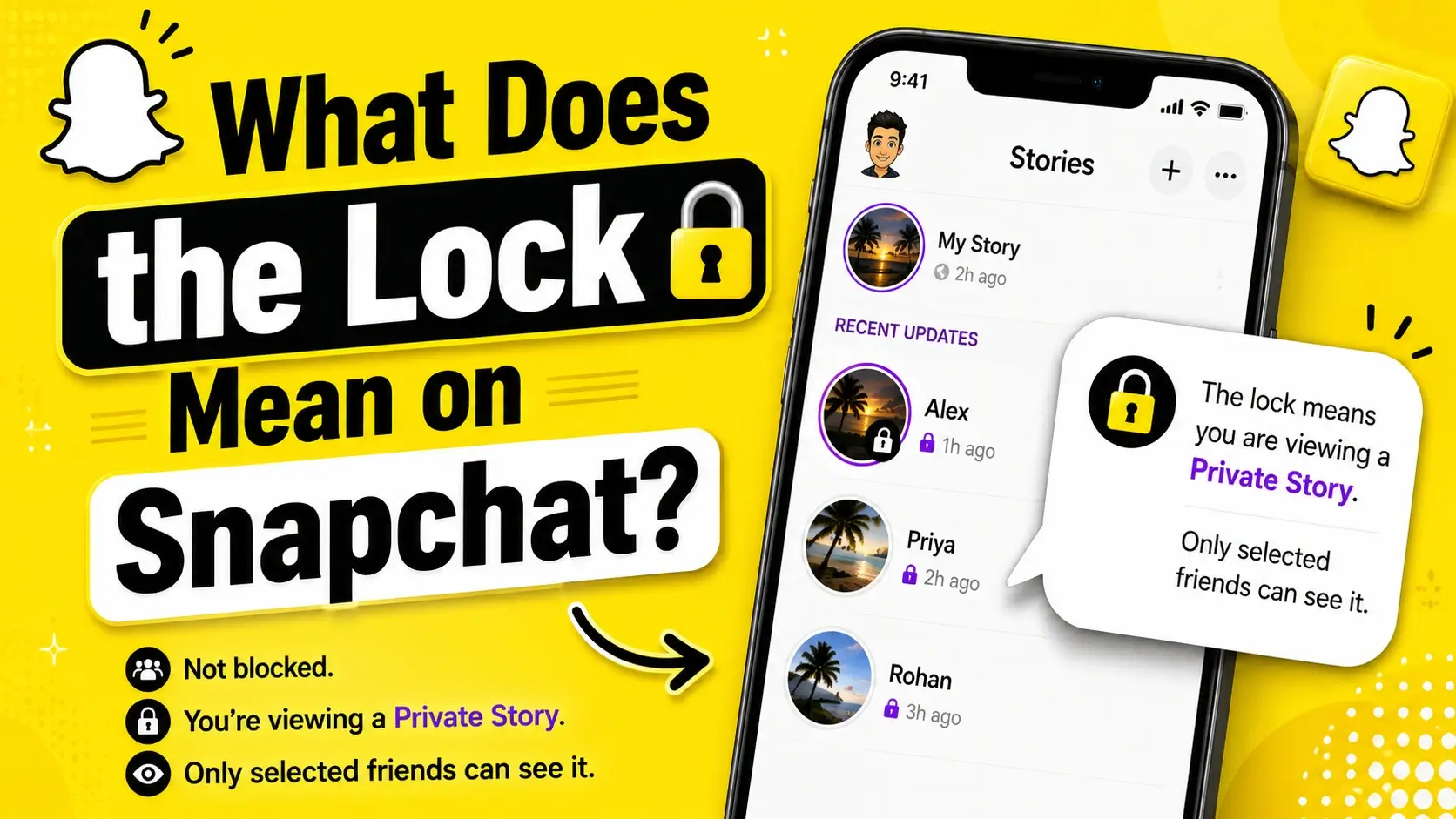
The simple answer is this: the lock on Snapchat usually means you are viewing a Private Story. The person who posted it has chosen a specific group of friends who can see that Story, and you are one of the people included.
Quick Answer
The lock on Snapchat usually means you are viewing a Private Story. A locked Snapchat Story is shared only with selected friends chosen by the person who posted it. It does not mean you are blocked, hacked, or in trouble. It simply shows that the Story is private and not visible to everyone.
In this guide, you will learn what the Snapchat lock icon means, why it appears, what it does not mean, and how Private Stories work.
What Does the Lock Mean?
The lock on Snapchat means the Story is a Private Story. A Private Story is not visible to everyone on that person’s friends list. Instead, the creator chooses which friends can view it.
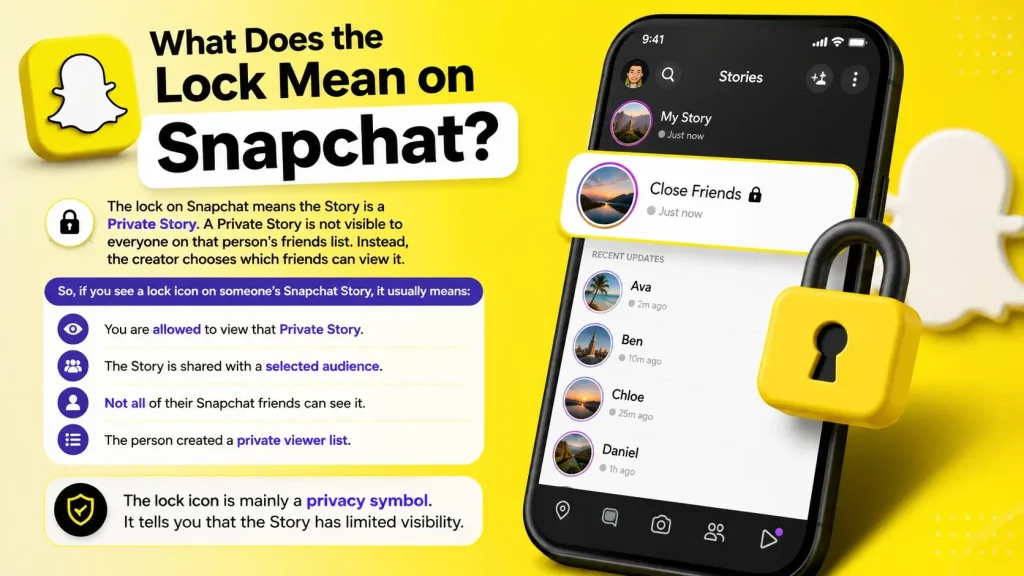
So, if you see a lock icon on someone’s Snapchat Story, it usually means:
- You are allowed to view that Private Story.
- The Story is shared with a selected audience.
- Not all of their Snapchat friends can see it.
- The person created a private viewer list.
The lock icon is mainly a privacy symbol. It tells you that the Story has limited visibility.
Does the Lock Mean You Are Blocked?
No, the lock icon does not mean you are blocked.
If someone blocked you on Snapchat, you usually would not be able to see their Stories or interact with their profile normally. A lock on a Story means the opposite: you are included in the viewer list for that Private Story.
Here is a simple way to understand the difference:
| Snapchat Sign | What It Usually Means |
| Lock on Story | You can view a Private Story |
| Story disappeared | The Story expired, was deleted, or your access changed |
| Cannot find the user | You may have been blocked, removed, or the account may be unavailable |
| Message says pending | They may not have added you back, or there may be a connection/account issue |
If your confusion is about friend status or chat symbols, read our guide on the X icon on Snapchat. That symbol can appear in different friend, chat, or pending situations.
Why Does a Lock Appear on Someone’s Snapchat Story?
A lock appears when someone posts a Private Story and includes you in the selected audience.
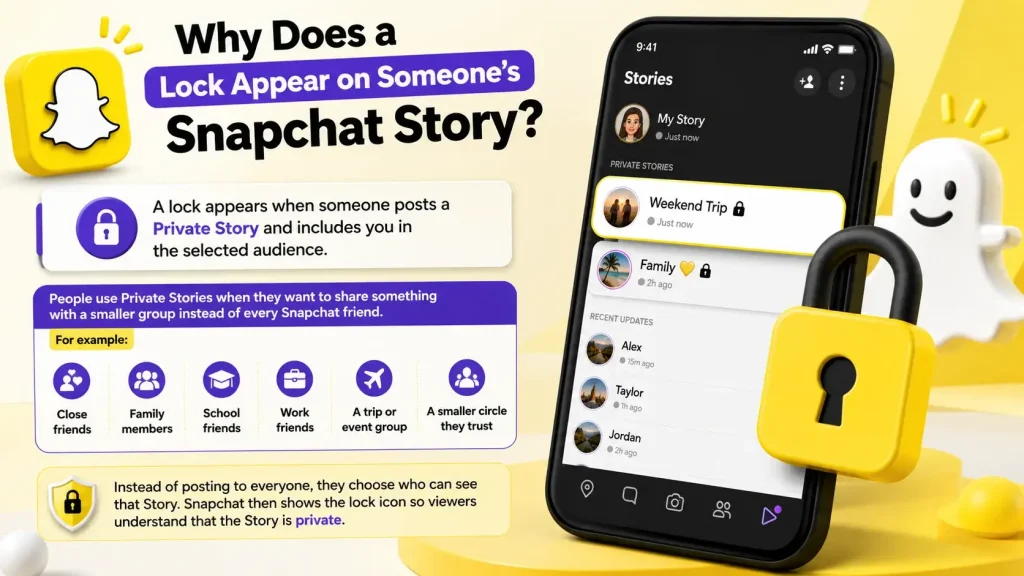
People use Private Stories when they want to share something with a smaller group instead of every Snapchat friend. For example, someone might create a Private Story for:
- Close friends
- Family members
- School friends
- Work friends
- A trip or event group
- A smaller circle they trust
Instead of posting to everyone, they choose who can see that Story. Snapchat then shows the lock icon so viewers understand that the Story is private.
What Is a Private Story on Snapchat?
A Private Story is a Snapchat Story that only selected friends can view. The creator controls the viewer list and decides who gets access.
Private Stories are useful when someone wants more control over who sees a post. For example, a person may want to post funny moments for close friends only, family updates for relatives, or event photos for a specific group.
Here is an easy example:
Sarah wants to post vacation updates, but she does not want every Snapchat friend to see them. She creates a Private Story, selects a few close friends, and posts there. If you are selected, you may see a lock icon on that Story.
This does not mean the Story is secret from Snapchat itself. It only means the Story is limited to the selected friends chosen by the creator.
Does the Lock Mean the Story Is Only for You?
No, the lock does not always mean the Story is only for you.
It means the Story is private, but the creator may have selected multiple people. You could be one of several friends who can see it.
A better way to understand it is:
| Story Type | Who Can See It? |
| Regular Story | The audience allowed by the user’s normal Story settings |
| Private Story | Only selected friends |
| Story only for you | Possible, but not guaranteed |
So, do not assume the locked Story was posted just for you. The lock only confirms limited access, not exclusive access.
Can Other People See That You Are on Someone’s Private Story?
Usually, other viewers cannot see the full list of people added to someone’s Private Story. They may see the locked Story if they are also included, but Snapchat does not publicly list all selected viewers.
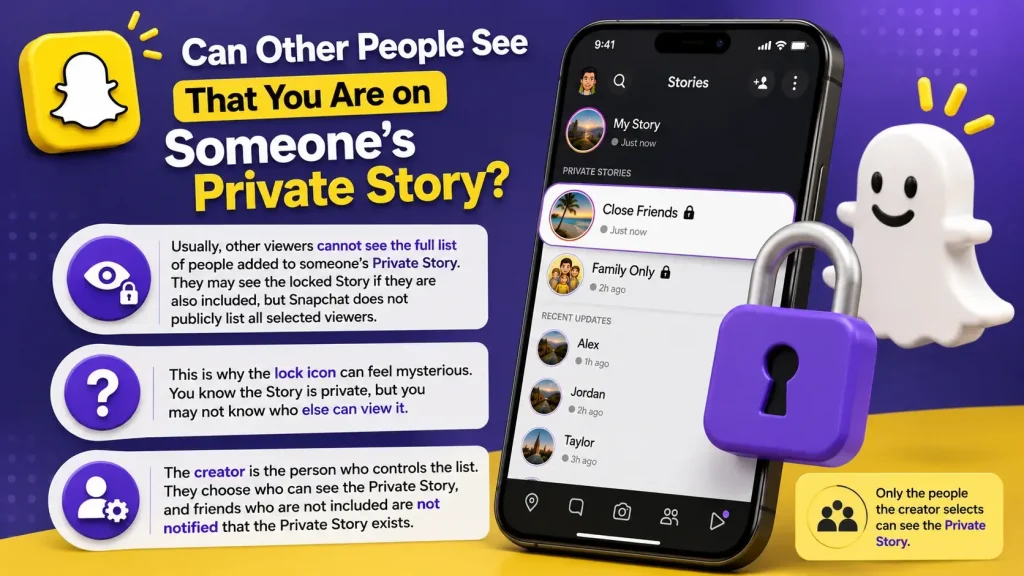
This is why the lock icon can feel mysterious. You know the Story is private, but you may not know who else can view it.
The creator is the person who controls the list. They choose who can see the Private Story, and friends who are not included are not notified that the Private Story exists.
Can Someone take a Screenshot on Locked Snapchat Story?
Yes. A locked Snapchat Story is private to selected viewers, but that does not make it impossible to save.
Someone who can view a Private Story may still take a screenshot or screen recording. This is important because many users think “private” means fully protected, but that is not always true.
Privacy Note
A Private Story limits who can view your content, but it does not stop selected viewers from screenshotting, screen recording, or sharing what they see. Avoid posting anything sensitive just because a Story has a lock icon.
A safe rule is simple: only post something on Snapchat if you are comfortable with the selected viewers possibly saving or sharing it.
Purple Lock vs Gray Lock on Snapchat
You may notice that the lock icon or Story ring looks different at different times. The exact appearance can change based on app updates, device type, or whether you have already viewed the Story.
In many cases:
| Lock or Ring Appearance | Possible Meaning |
| Purple ring with lock | A Private Story may be available and unviewed |
| Gray lock or gray ring | You may have already viewed it, or there may be no new Story |
| Lock on Story preview | The Story is private and limited to selected friends |
The main meaning stays the same: the lock means Private Story.
If you are also confused by Story ring colors, read our guide on the purple circle on Snapchat, because that symbol is also related to Snapchat Stories.
Lock Icon vs Other Snapchat Symbols
Snapchat uses many icons, colors, and symbols. That is why users often confuse the lock icon with other Snapchat indicators.
Here is a quick comparison:
| Snapchat Symbol | Basic Meaning |
| Lock icon | Private Story |
| Green dot | Recent activity indicator |
| Purple circle | New Story indicator |
| X icon | Friend or chat status issue depending on context |
| Yellow heart | Best Friends emoji |
| Eyes icon | Story rewatch indicator for Snapchat+ users |
If you are learning Snapchat symbols, the lock icon is one of the easiest to understand. It usually points to a Private Story.
You can also read our guide on the green dot on Snapchat to understand another common Snapchat activity symbol.
Does the Lock Mean Snapchat Plus?
Not usually. The lock icon is primarily associated with Private Stories, not Snapchat Plus.
Snapchat Plus has its own paid features, badges, and indicators, but the lock on a Story does not automatically mean the person has Snapchat Plus.
If you are trying to understand paid-feature signs, read our guide on how to tell if someone has Snapchat Plus. That topic is different from the lock icon.
What Should You Do If You See a Lock on Snapchat?
In most cases, you do not need to do anything. You can simply watch the Story if you want.
Here is what to do depending on the situation:
| Situation | What You Should Do |
| You see a lock on a friend’s Story | Understand that you are included in their Private Story |
| You think you are blocked | Do not worry; the lock does not mean blocked |
| You do not want to view it | Ignore it or mute the person’s Stories |
| You want your own locked Story | Create a Private Story and choose viewers |
| The Story disappeared | It may have expired, been deleted, or your access may have changed |
The lock icon itself is not a warning. It simply tells you the Story has a selected audience.
How to Create a Private Story on Snapchat
If you want to make your own locked Story, you can create a Private Story and choose who can view it.
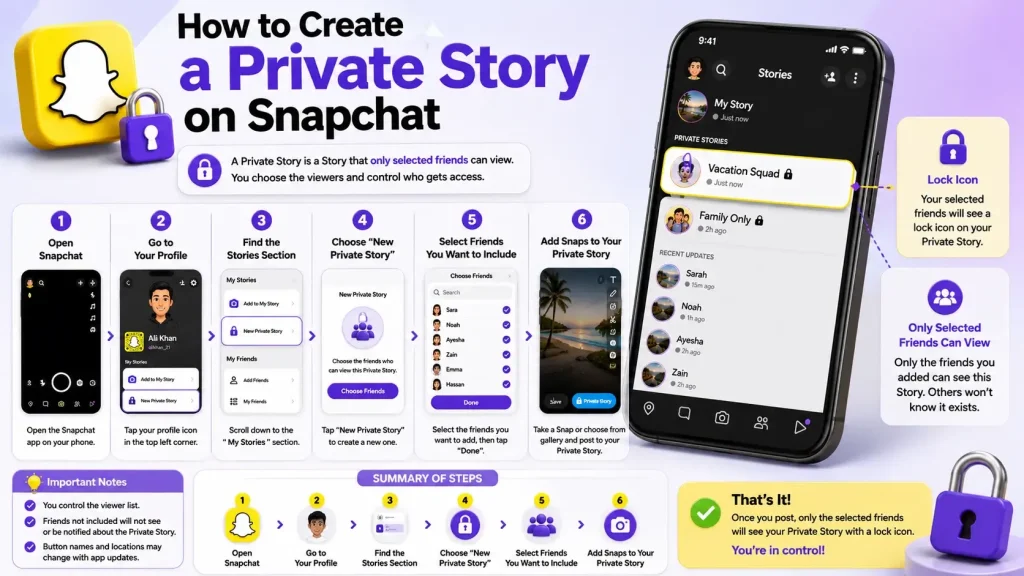
General steps:
- Open Snapchat.
- Go to your profile.
- Find the Stories section.
- Choose the option to create a new Private Story.
- Select the friends you want to include.
- Add Snaps to that Private Story.
Once you post, the selected viewers may see a lock icon when they view your Story.
Snapchat’s interface can change over time, so the exact button names may look slightly different depending on your app version or device.
Common Myths About the Snapchat Lock Icon
Myth 1: The lock means I am blocked
This is false. A lock on a Snapchat Story usually means you are included in a Private Story.
Myth 2: The locked Story is only for me
Not always. The creator may have added several friends to the Private Story.
Myth 3: A Private Story cannot be saved
False. A Private Story can still be screenshotted or screen recorded by viewers.
Myth 4: The lock means Snapchat Plus
Not necessarily. The lock icon is mainly a Private Story symbol, not a Snapchat Plus sign.
Key Takeaways
- The lock on Snapchat usually means Private Story.
- It does not mean you are blocked.
- You are included in the selected viewer list.
- The Story may be visible to multiple selected friends.
- Private Stories can still be screenshots or screen recorded.
- The lock is a privacy indicator, not a warning sign.
FAQs
Conclusion
The lock on Snapchat means the Story is private and shared with selected friends. If you see the lock icon, it usually means the person has added you to their Private Story viewer list.
It does not mean you are blocked, hacked, or in trouble. It simply shows that the Story has limited visibility. The best way to understand it is simple: a locked Snapchat Story is private, but not always only for you.
Want to understand more Snapchat symbols? Read our guides on the green dot, purple circle, and X icon so you can quickly understand what Snapchat is showing you.